

Where to find it
Open Network and use the search field and filters above the map or list.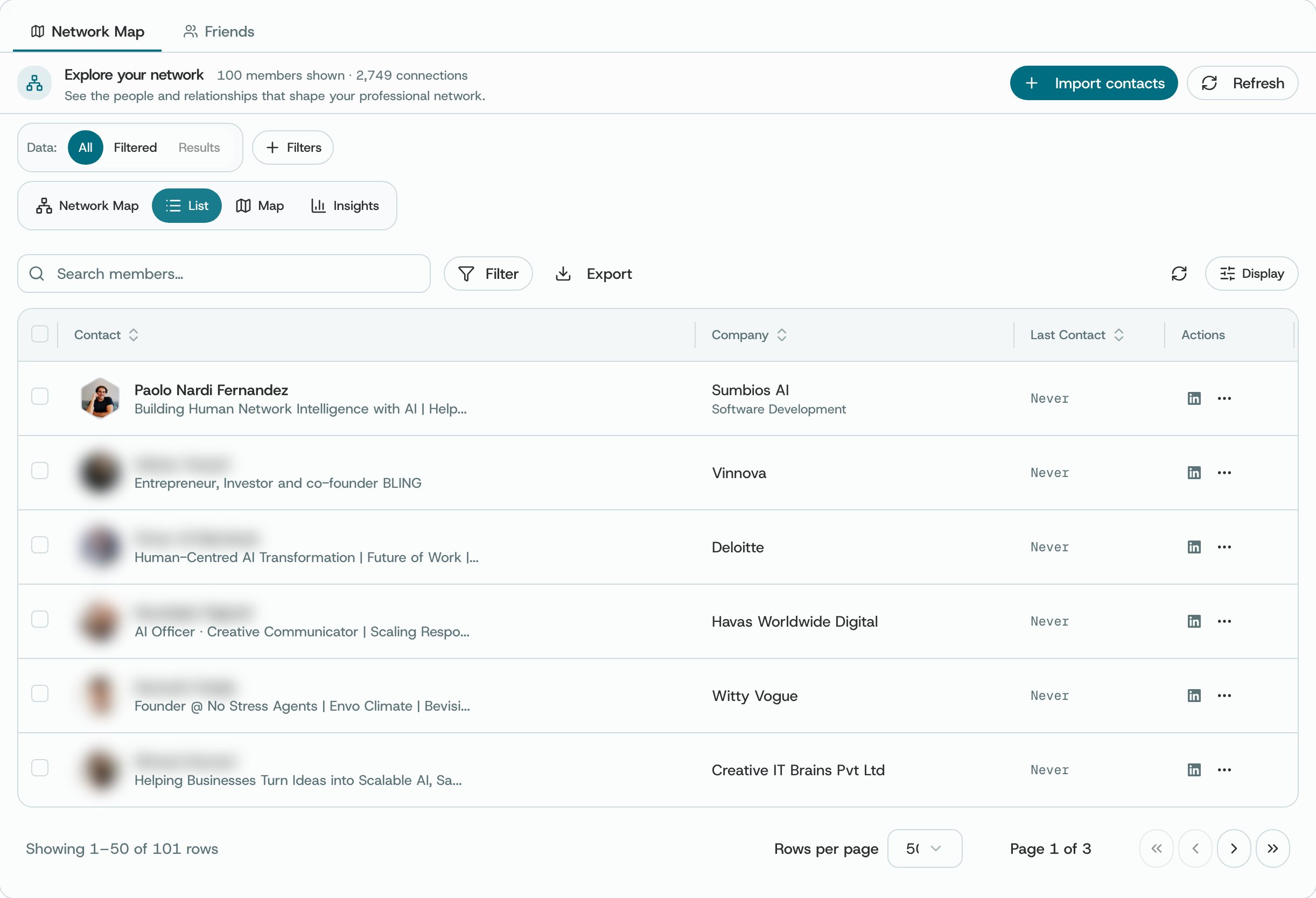
Network → List view (other people's names and photos blurred)
What you can do
- Search by name or the details supported by the visible filters.
- Sort list results using the available sort selector.
- Choose a member in the list or a dot on the map to open their profile.
- Use Contact Import when you need to add supported contact data.
A member’s profile
Choosing a member opens their profile beside the page: who they are, what O knows about them, and what you can do next, from adding them to a Circle to setting a reminder. See A member’s profile for every tab and action.How to use it
- Try a distinctive name or organization if a broad search returns too much.
- Check that you have the right member and read the sources before making changes or reaching out.
- Clear your search and filters to see the full network you selected again.
Availability and privacy. The results depend on the information in O and the networks you have selected. Two members may have similar names, so check the profile before making changes or reaching out.