> ## Documentation Index
> Fetch the complete documentation index at: https://docs.sumbios.ai/llms.txt
> Use this file to discover all available pages before exploring further.
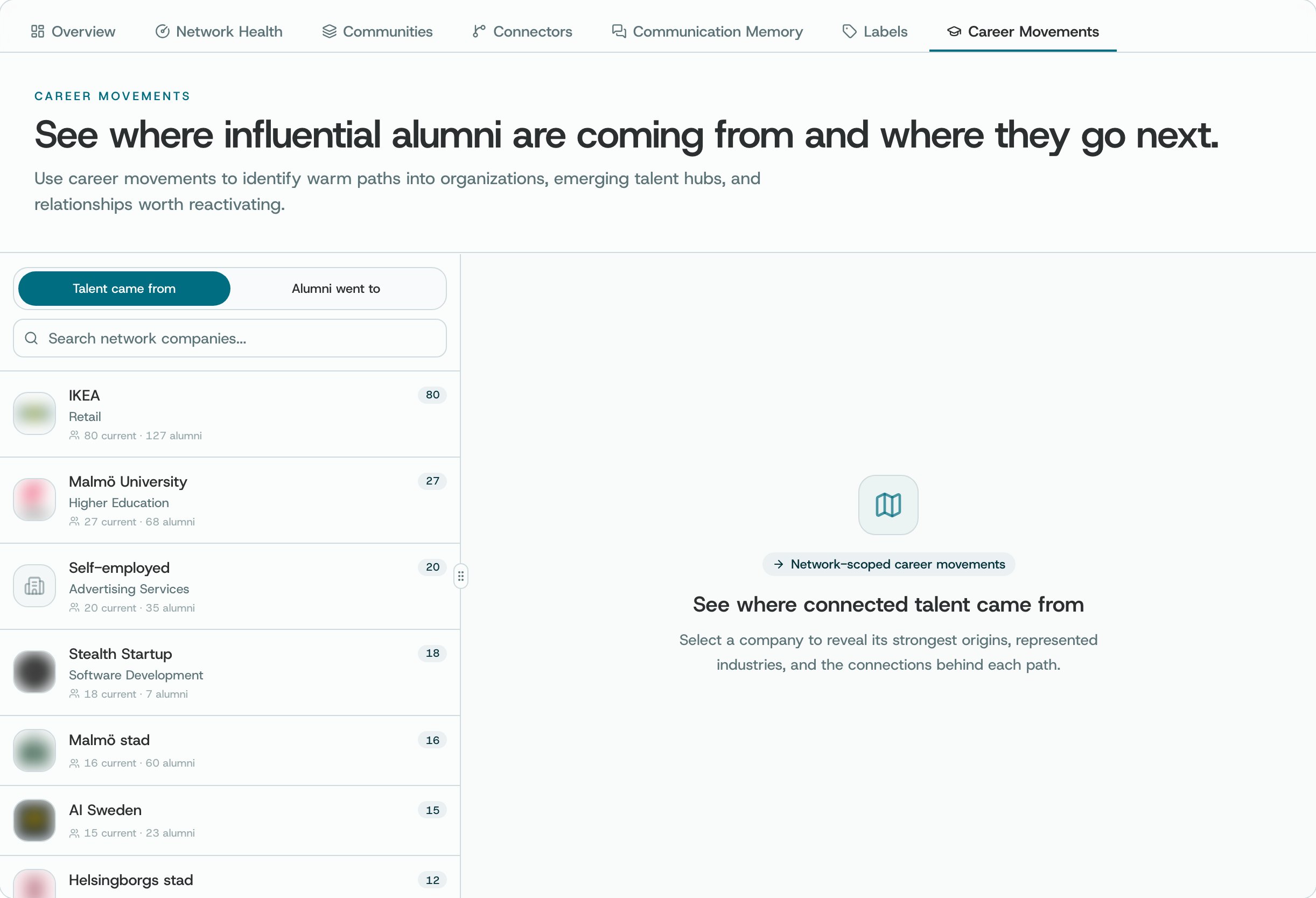
# Career Movements
> See job and company changes among the people in your network, including alumni: people who used to work at an organisation.
A confirmed new role or new workplace can be a good reason to catch up.
## Where to find it
Open Career Movements from Insights.
 ## What you can do
* Look at changes of role or company, and compare the old and new details.
* Filter by date or company to focus on the changes that interest you.
* Open a profile to check the change and where the information came from.
## How to use it
* Check when the information was last updated. A profile can be out of date.
* A confirmed change can be a reason to reconnect. It doesn't tell you what the person plans to do next.
* Clear the filters to go back to the wider list of results.
**Good to know.** What you see here depends on how many profiles O has and how up to date they are. If nothing shows up, don't assume no one has moved.
This documentation is built and hosted on [Mintlify](https://mintlify.com), a developer documentation platform.
## What you can do
* Look at changes of role or company, and compare the old and new details.
* Filter by date or company to focus on the changes that interest you.
* Open a profile to check the change and where the information came from.
## How to use it
* Check when the information was last updated. A profile can be out of date.
* A confirmed change can be a reason to reconnect. It doesn't tell you what the person plans to do next.
* Clear the filters to go back to the wider list of results.
**Good to know.** What you see here depends on how many profiles O has and how up to date they are. If nothing shows up, don't assume no one has moved.
This documentation is built and hosted on [Mintlify](https://mintlify.com), a developer documentation platform.